Claude
 ChatGPT
 Gemini
- Do you find yourself waiting forever for information you need?
- Do your people feel under pressure without knowing what actually matters?
- Have you ever missed a deadline because of a communication breakdown?
- Have you watched engagement drop in a team worn down by back-to-back meetings?
- Do you even know each other?
These are the problems most remote teams run into when they first switch to distributed work. Today you’ll get a set of async communication tools that help you get past them. Use them well and passing on information and sharing feedback will run smoothly, which pays off in productivity, efficiency and something you can’t put a price on: the relationships inside your team.
So how do you prevent them?
Async communication challenges in a remote team
Organizations that have only just moved to a hybrid or remote model usually struggle with:
- different communication habits and tools across individual team members,
- different working conditions: some people pick a coworking space, others work from home, which makes communication and feedback less fluid and drags team performance down sharply;
- trouble organizing recurring and one-off meetings;
- no clear format for giving feedback, delegating and setting expectations;
- no team bonding, which weakens people’s sense of belonging and their engagement with the work.
But organizations that have been through a digital transformation confirm that managing hybrid and remote teams can be more productive than running work out of an office.
The key to adopting communication tools well is fitting them to your team and to each person on it. It also matters how well they integrate with your work management tools, and whether people use them the right way.
Let’s get started!
Video calls as an alternative to meeting in person
Use them for conversations you’d ideally have face to face.
That includes, among other things:
- praise,
- constructive feedback,
- planning together,
- wrapping up finished projects.
Video calls also let you solve a problem here and now, which makes them the best format for a real dialogue. No lag in replies, nothing left unsaid, no sentences read the wrong way.
Use them for:
- building and keeping closer relationships with your team members,
- planning and review meetings,
- giving feedback directly to an employee,
- criticizing someone’s work, because it gives them a chance to explain the situation,
- a way for others to reach you when they need to talk online,
- presenting a brief or kicking off a project,
- giving more context on a point, a problem or an issue (often with a presentation).
Examples of video calls:
- A weekly planning meeting for everyone on the marketing team,
- A 15-minute brainstorm to reach agreement,
- An onboarding meeting for a new team member,
- A regular team-bonding session.
Here’s a rundown of the most popular video call platforms:
Zoom
This communication tool took off in Poland during the pandemic. It was one of the main tools schools used for remote teaching. It comes as a desktop and a mobile app, and it has business plans for organizations of different sizes. The free version is enough for phone calls and 1:1 video calls.
Zoom’s strengths as a communication tool for a remote team:
- an intuitive interface that makes it easy to use and easy to onboard new team members;
- no more connection problems, thanks to high-quality video and audio even on a slow internet connection;
- better coordination thanks to the Google Calendar integration: it creates the event automatically and sets a reminder;
- flexible and available across operating systems, Android and iOS included;
- hassle-free, free voice calls, as long as the other person is logged in and hasn’t set their status to “do not disturb”;
- call recording at up to 1080p, so you can go back to what was agreed.
Weaknesses:
- video calls on the free plan are capped at 40 minutes (luckily, 1:1 calls have no such limit);
- you have to install the app.
Slack

It started out as a communication tool for individuals and freelancers. In recent years its makers have focused on building features for businesses. Even the free option lets you hold video calls at no cost.
Slack’s strengths:
- 1:1 video calls without leaving the group chat;
- the Huddle option (not available in other tools), which signals you’re “ready to talk” and waits for the other person to join when it suits them. It makes async communication easier and stops you from pulling someone out of deep focus;
- easy integration with other communication and task management tools, e.g. Zoom, Google Meet, MS Teams, Webex and Asana, which makes work more comfortable and efficient;
- available as a web, desktop and mobile app;
- works with Android and iOS.
Weaknesses:
- no call recording.
Google Meet
This communication tool was Google’s answer to the growing popularity of Slack and Zoom. Unlike Google Hangouts, it’s built for business and tuned to the bigger needs of companies.
Strengths:
- syncs with Google Calendar: the event is saved automatically and a reminder is set 30 minutes before it starts. Google Meet won’t let you forget a meeting;
- lower costs: the free version is enough for 1:1 video calls and meetings of a few to a dozen or so people;
- smoother meetings thanks to integration with all of Google’s tools;
- screen sharing adds real substance to calls, especially onboarding ones;
- security thanks to encrypted connections.
Weaknesses:
- you can’t ring someone the way you would with a phone call: the tool works through meeting links.
In Poland this tool is mostly used by individuals for private purposes. It’s known mainly for free calls and equally free text messages.
WhatsApp’s strengths as an async communication tool:
- strong audio and video compression, so it works even on a weak connection, which solves the problem of reaching people who work from home in remote locations;
- good call quality;
- no cost to the business, because the app is free;
- easy to use: the app works on every operating system.
Weaknesses:
- you need to agree with your people that this is an OK channel for work. The app is often used privately, and keeping a line between work and family life is a golden rule for remote and hybrid workers.
Video conferences: dangerous, but necessary
Watch out for this extremely dangerous tool!
A meeting that didn’t need to happen, or one that pulls in people whose work the topic doesn’t touch, eats time, burns energy and drags down the whole group’s productivity.

Still, video conferences are an essential communication tool for planning, rolling out quick changes, and going over the most important issues and new data.
Just remember the key rules for running one:
- Set a clear goal for it
- Prepare an agenda: a list of topics
- Pick the right people
- Send them the information they need
- Run the meeting by the agenda
- Use the last 10 minutes for next steps and who owns what
Use them for:
- solving problems that need a substantive conversation between several people,
- a necessary, focused discussion of urgent topics,
- a quarterly review meeting for all team managers,
- reviewing work across connected areas.
Meetings are for substantive discussion, but also use them to praise the people who’ve earned it.
Golden rule: praise in public, criticize in private.
Examples of video conferences:
- a meeting that kicks off a new project;
- major changes to a project, such as a moved deadline or changes driven by new data nobody had before;
- a wrap-up after a project is finished.
Communication tools:
Slack
Slack is a chat first and foremost. The video conferencing feature was added in 2016. It’s an extra that supports the tool’s core use.
Slack’s strengths as a video conferencing tool:
- screen sharing makes presenting easier;
- the group chat during a meeting is saved in the Slack channel, so you can go back to it at any time;
- polls can be kept both in the chat and in Slack;
- easy integration with other communication tools like Zoom, Google Meet and Teams;
- during a presentation, other participants can use virtual pens on the presenter’s screen to highlight what’s worth a look.
Weaknesses:
- a small participant limit;
- no recording.
Google Meet
In its extended, paid version, Google Meet lets you run video conferences with up to 250 active participants and up to 100,000 viewers. It’s moving toward an enterprise offer.
Google Meet’s strengths as a communication tool:
- very good call quality, even with many participants;
- easier to organize, because the event is saved automatically in every participant’s Google Calendar. With reminders on, it’s hard to forget the meeting or ignore it;
- screen sharing, which makes presentations run more smoothly;
- in-call chat for taking notes in real time and confirming what’s been agreed;
- polls;
- security thanks to encrypted connections.
Weaknesses:
- recording only up to 720p, lower than other communication tools.
Zoom
Zoom was built with video conferencing in mind, and its features are designed for exactly that.
Its strengths:
- good video and audio compression that keeps call quality high;
- screen sharing for presenting and walking people through data;
- group chat during the conference, so you can confirm decisions while the meeting is still going;
- recording at up to 1080p on paid plans (on the free plan, only 1:1 meetings);
- security thanks to encrypted connections;
- polls.
Weaknesses:
- a very limited free version;
- you have to install the app, which can get in the way of conferences with clients and people outside the organization.
Phone and direct-call platforms: when to reach for them
A good communication tool… as a last resort. Reach for it only when you have no other choice.
It’s perfect for problems that need an immediate response.
It’s also a good way to connect with new team members and get to know them better. Direct contact like this strengthens their sense of belonging and shapes how they see you: as a good, engaged leader.

Use it for… criticism, too. Nothing gets your point across better than your words and your tone of voice. You also give the other person a chance to explain and share their side. That’s how you avoid misunderstandings that could shake your working relationship.
But it’s the most invasive form of communication.
When you call, you interrupt their work.
You knock them out of focus.
It can take the other person several minutes to get back to what they were doing. That’s precious time lost.
Use it for:
- getting urgent information,
- an important update that directly affects the other person’s work,
- quickly clearing something up so you can move on to the next step.
Note that before you call for any of these reasons, you can send a message first on your messenger, or a plain text, asking when you can call for 5 minutes about…
Tools for phone calls:
- The phone (obviously)
- A Slack call
The last two deserve a closer look. Calls are free, even internationally.
Group and one-to-one chat
Meet the phone’s successors.
They combine a direct conversation with respect for the other person and the way they work. On one hand, they allow substantive real-time discussion; on the other, they give people time to reply. With them you can structure communication by area and by project. That brings clarity, and with it, a smoother flow of information.

Use it for:
- updates and information that concern everyone on the team or in the organization,
- polls, automated messages and reminders, or sending files,
- private one-to-one conversations,
- checking the current status of work,
- asking for feedback in the general channel,
- getting an answer that unblocks a problem right now (for you and for everyone else on the team),
- team bonding.
Make sure every team member is equally comfortable with the platform you pick. If needed, run a training session. You’ll avoid chaos and pointless communication stalls.
The most popular, and some lesser-known, group chat tools:
Twist
Another creation from the makers of Todoist, one of the better-known task planning and work management apps. Twist focuses on async communication. It’s built around threads for instant messages, though 1:1 chats and real-time conversations between a few people are also possible in separate channels.
Strengths:
- smoother async communication thanks to its “threads” system;
- lower costs thanks to a generous free version;
- audio and video calls that make sync communication easier;
- easier planning and task management thanks to the Todoist integration;
- full message search, which makes work easier and improves productivity;
- a clean interface that’s comfortable to use.
Weaknesses:
- on the free version, thread history is limited to 30 days;
- no integration with more popular tools like Google Meet, Google Drive and Google Calendar.
Rocket.Chat
It was built as an alternative to Slack as Slack kept growing. A great fit for startups and companies that don’t want to invest in communication tools. The free option is feature-rich and enough for business communication.
Strengths:
- the free option supports up to 1,000 users, which covers the needs of many companies;
- file sharing makes it easier to pass data along during a conversation;
- video calls let you get in touch fast in urgent or crisis situations;
- available on desktop and mobile, so you can reach the chat from anywhere with an internet connection;
- works with every operating system;
- easy migration of files from Slack, which makes it simpler to work with clients and teams who use that popular tool;
- E2E encryption for security.
Weaknesses:
- you have to install the app, and the tool isn’t widely known, which can make contact with people outside your team harder.
Google Chat
Another option from a popular provider. For anyone on Google Workspace, Chat is a free communication tool.
Strengths:
- integrates with most popular task management tools, such as Asana, Jira and Trello, which adds functionality and makes it easier to use;
- available on the web, mobile and desktop;
- the built-in Google Hangouts Meet lets you hold video and audio calls.
Slack
One of the best-known communication tools. Its rich features and integrations with many systems are its biggest strengths. Nearly 30% of remote teams use it. Built for business, it has shaped its features around what organizations need.
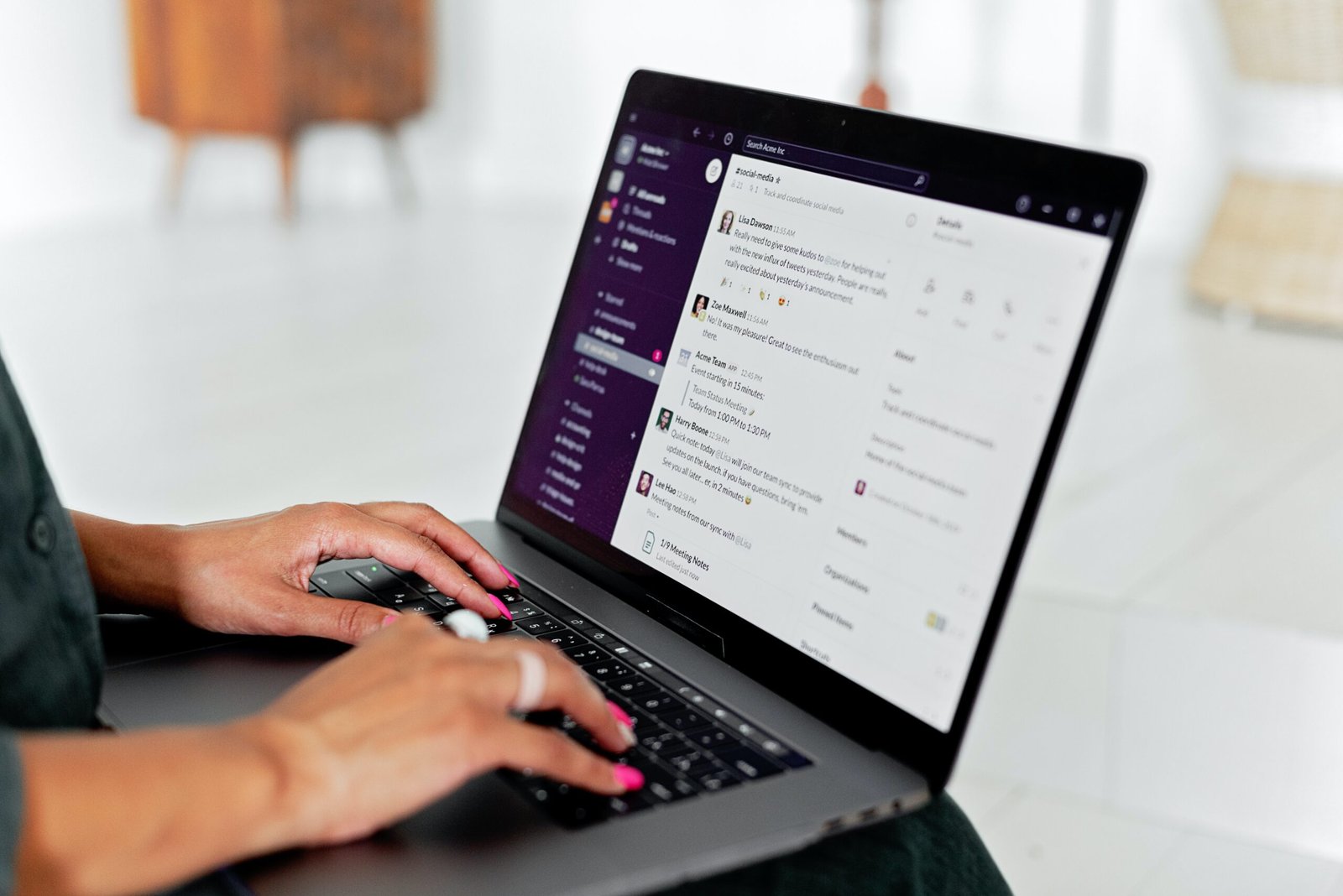
Strengths:
- available as a desktop and mobile app, so you can communicate from anywhere;
- works with every operating system, which helps startups built on B2B contractors, where every team member works on a different setup;
- integrates with many tools for task, work and project management and for async communication (Asana, Google Meet, Jira, Google Hangouts, Microsoft Teams);
- you can connect with other teams in one tool;
- quick and easy onboarding for new people, because so many already know the tool;
- easier async communication thanks to threads.
Task management platforms: your place for feedback
Task management platforms speed up communication, give you precise control over a project and make it intuitive to coordinate tasks. Their communication value grows with the ability to give feedback on the work, which improves productivity.

Use them for:
- assigning tasks to individual employees,
- measuring and tracking progress,
- giving feedback and commenting on specific tasks,
- updating project status,
- approving decisions,
- automating internal processes,
- talking directly with everyone on the project.
The most interesting task management platforms:
Project management platforms to choose from:
Jira
It was created for the IT industry. Over time it expanded its features to fit other kinds of organizations. Today it’s one of the more popular task, work and project management tools.
Strengths:
- an intuitive interface that shortens onboarding for new employees;
- rich features for managing team and individual tasks and for communication, all in one tool, which makes remote work easier;
- available as a web, desktop and mobile app, so your data is always within reach.
Weaknesses:
- limited interface customization, which reduces flexibility and makes it less comfortable to use;
- the cost of adapting the tool to your organization keeps climbing: extra add-ons and apps are paid, so the lower upfront investment is only an illusion.
ClickUp
A lesser-known work management tool, but it definitely deserves a look. It’s ideal for early-stage or small companies that want to avoid a big investment. ClickUp’s free version is feature-rich enough to cover what most organizations like that need.
Strengths:
- a relatively low monthly subscription compared with competitors: depending on the plan, 5-19 USD per user;
- an intuitive interface;
- rich features even on the free plan (including unlimited members), so companies on a tight budget can roll it out;
- integrates with many popular tools, such as Google Drive, Google Calendar, YouTube, TimeCamp, Toggl Track, Slack, Zoom and Teams;
- easy import from Trello, Jira, Todoist and Asana, among others, which helps distributed teams whose members work on different systems.
Weaknesses:
- an inconsistent template library;
- complicated sharing settings.
Monday
Monday is one of the more interesting tools, on the market since 2014. It used to be called Dapulse. In recent years it has started expanding into the Polish market too.
Strengths:
- a clean, intuitive interface that’s comfortable to use;
- rich task and project planning and management features;
- integrations with many popular platforms, such as Jira, Trello, Asana, Zoom, Google Meet and Slack.
Weaknesses:
- a relatively expensive subscription;
- the free version covers only 2 users, far fewer than competing platforms;
- no Polish-language interface;
- no subtasks, which limits how you can plan and coordinate work.
Bitrix24
A fast-growing task management platform. It was built as an alternative to Monday and keeps gaining popularity.
Strengths:
- a feature-rich free version for unlimited users covers the needs of smaller companies and startups at no extra cost;
- 18 languages, Polish included, which makes the tool easier to use.
Weaknesses:
- the tool isn’t widely known, so onboarding new team members takes longer;
- online storage is capped at 5 GB on the free version; paid plans offer 24-1,024 GB.
Asana
Currently the most popular tool for managing teams, work and projects. It’s used by freelancers, small businesses and large enterprises alike. It started as a side project at Facebook. That’s why it offers the widest range of features and adapts to so many different business environments.
Strengths:
- available as a web, desktop and mobile app;
- integrates with more tools than anything else, and in most cases the integration is free, so you can fit the tool to a distributed team at no extra cost;
- it’s so widely used that onboarding takes less support;
- a friendly, intuitive interface that makes the tool easy to use and easy to roll out across the team;
- a customizable interface makes the workspace more appealing and more comfortable;
- technical support in Polish makes it easier to solve problems and clear up questions during the rollout;
- strategic support for your Asana rollout is available from Asana’s partner in Poland: Remote Sensei.
Weaknesses:
because it’s so feature-rich, it takes time to adapt properly to your business.
Email: does it still work?
It’s being pushed aside more and more by more advanced communication tools. Today’s most popular email tools, Outlook and Gmail, integrate with other platforms such as Google Meet, Asana and Slack.
In a well-run digital transformation, email gets replaced by async communication on Slack (or another chat) and in Asana (or another platform).

Email can still work for you for:
- external communication,
- forwarding an outside email to someone else,
- starting a group discussion with a mix of people inside and outside the organization.
The target state you should aim for:
everything that used to go by email inside the team now happens in Asana and Slack.
What you want to avoid:
part of the communication happens by email, and part in Asana or Slack.
That way, everyone on your teams gets clearer, faster communication.